A mind map that thinks with you
Turn what you're learning into a visual knowledge map where every node is an AI you can talk to — running against a local model, working offline, with everything stored encrypted on your own machine.
Download — it's free Will it run on my machine?
A living visual map instead of a scrolling chat box — the shape of what you're learning stays in front of you, and nothing is uploaded.
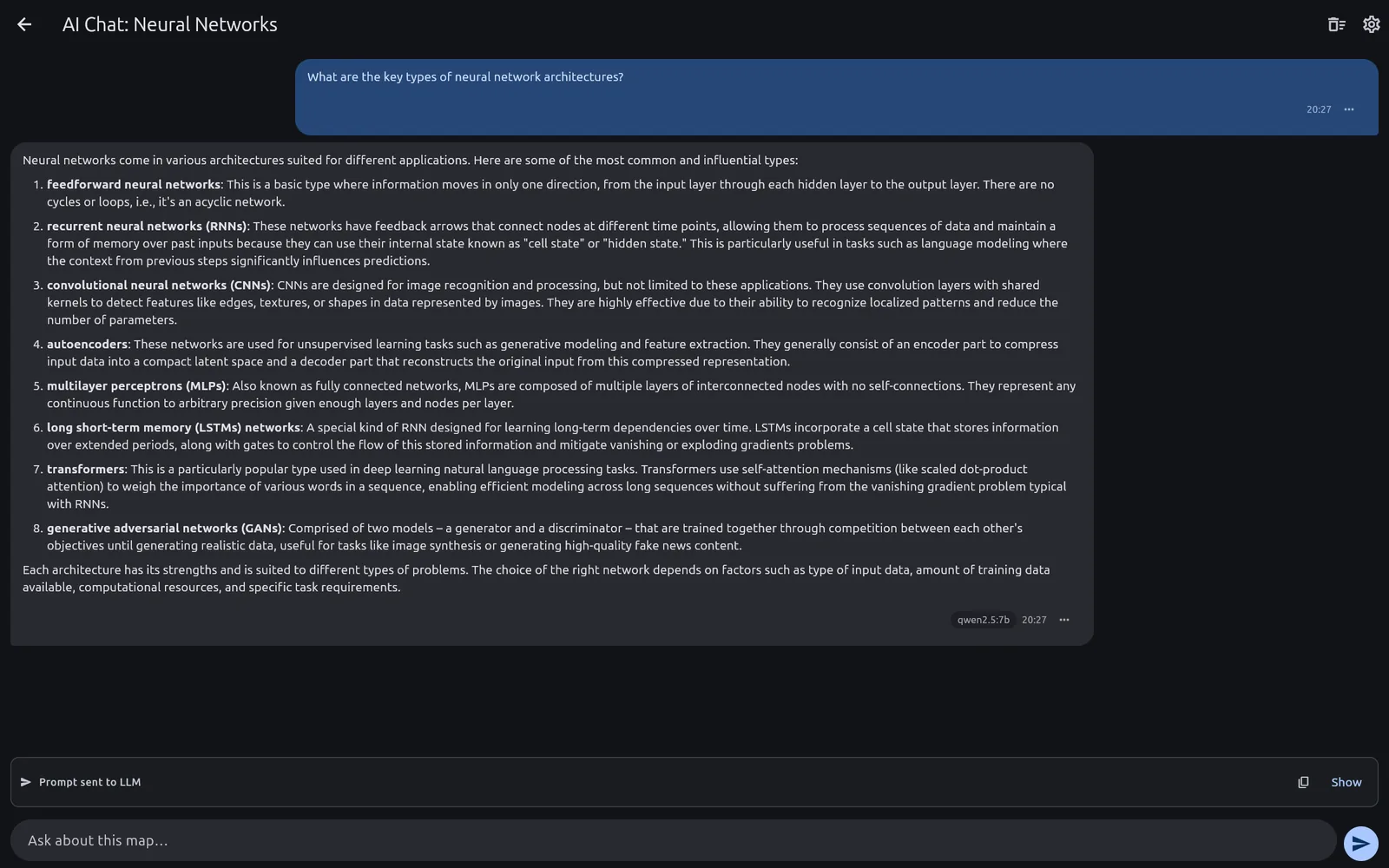
Ask about one idea, not the whole document
Open a chat on any node and the AI sees that branch — its notes, its children, its parent — and nothing else. No 400-message transcript to scroll, no context you did not ask for.
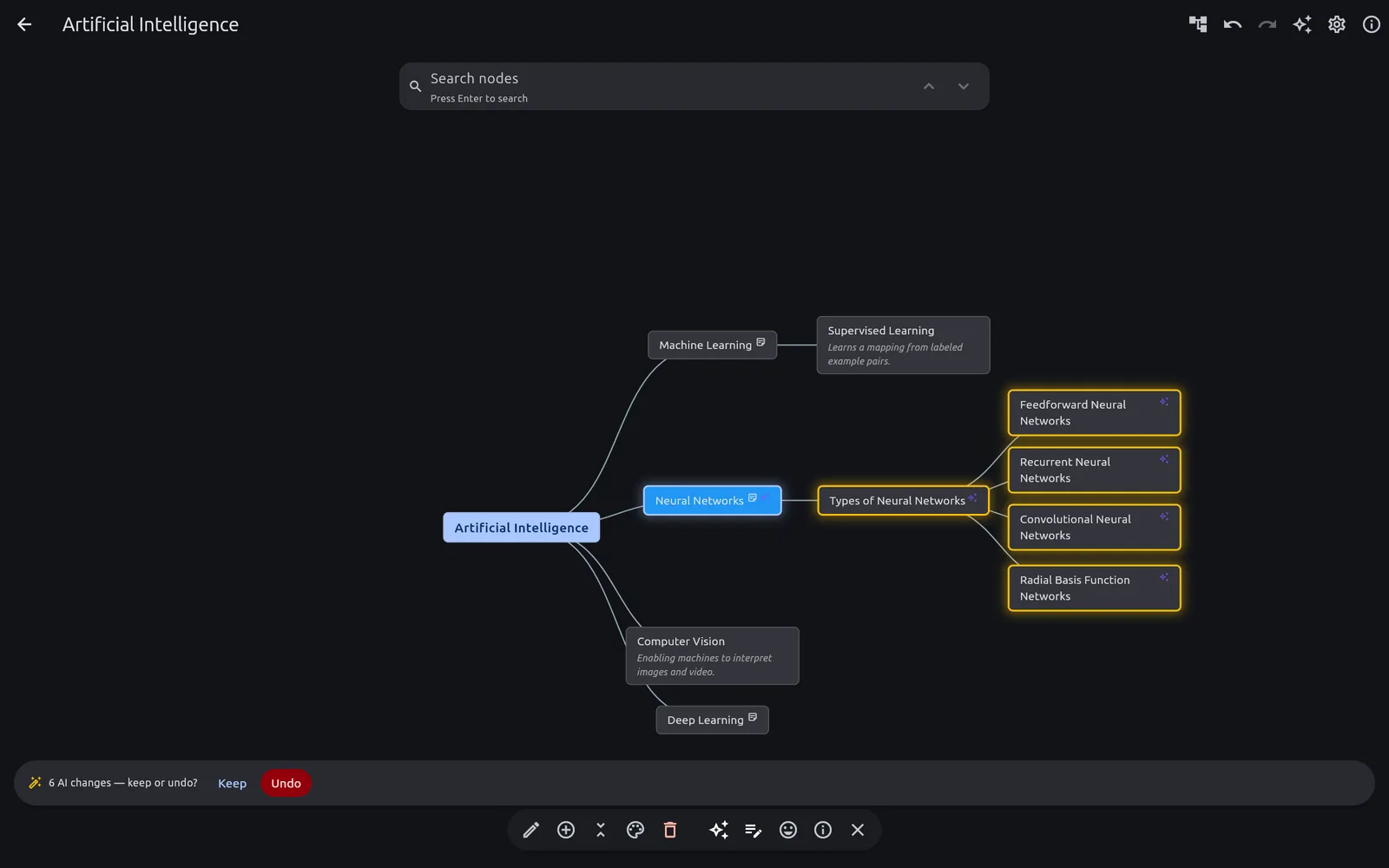
The AI edits the map, and you can take it back
Ask it to extend a branch and it rewrites the structure — as a single reviewable change. One undo puts everything back exactly as it was.
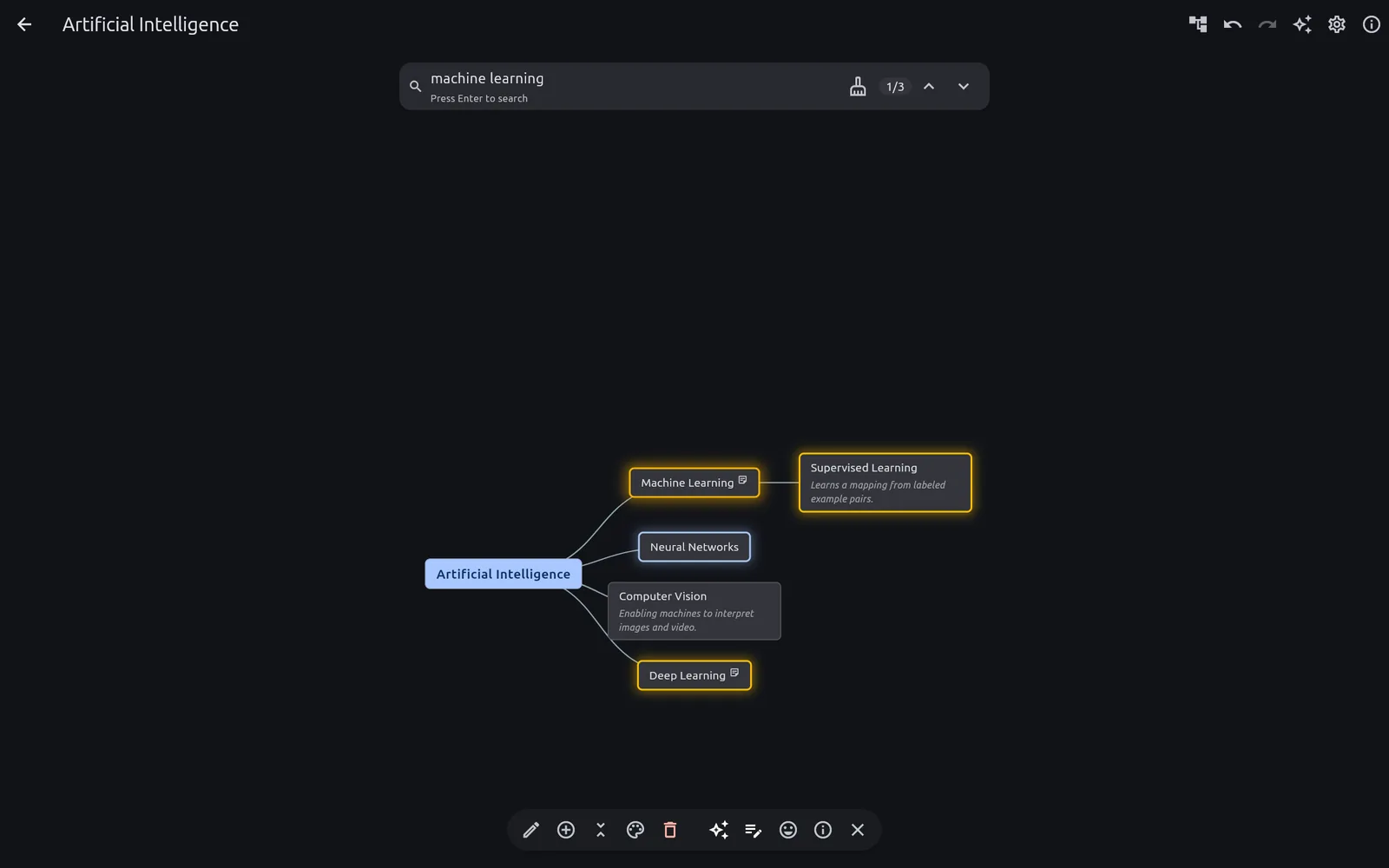
Find things by meaning, with the network off
Semantic search runs entirely on-device against an embedding model that ships inside the app. It finds the node you meant, not the word you typed — on a plane, in a tunnel, anywhere.
Why not just use a chatbot?
Because a scrolling transcript loses the shape of what you're learning. Here the structure is the interface:
- AI scoped to a single idea. Ask about one concept without dragging in the rest of the map.
- Notes stay where they belong. An explanation is pinned to the exact node it explains, not buried 400 messages up.
- AI can restructure the map — and you review the change before it lands, then undo it in one step if you don't like it.
- Find things by meaning. Semantic search runs on-device, so it works with no network at all.
- Bring your existing material. Imports Freeplane (
.mm) and XMind files.
Will it run on my machine?
Almost certainly — and here's the part most AI apps won't tell you plainly: the app is useful before you install any model at all. Local AI is an upgrade, not a prerequisite.
| What you run | What you get | What you need |
|---|---|---|
| No LLM at all | The full mind map editor, Freeplane/XMind import, and offline semantic search (the embedding model ships with the app) | Any modern desktop or phone |
| Ollama private & offline |
Everything, plus node-scoped AI chat, AI-generated notes and AI map edits | Ollama on your machine or local network — see the model table below |
| LM Studio private & offline |
The same, if you already run LM Studio — same curated models, same features | LM Studio on your machine or local network — see the model table below |
Minimum system versions
| Platform | Minimum |
|---|---|
| Windows | Windows 10, 64-bit |
| macOS | macOS 14 Sonoma (Apple Silicon or Intel) |
| Linux (.deb / .rpm) | glibc ≥ 2.39 and GTK 3.24+ — Ubuntu 24.04+, Debian 13+, Fedora 40+ |
| Linux (Snap) | Any distribution with snapd (built on core24) |
| Android | Android 7.0 (API 24), 64-bit |
Older systems aren't supported: on macOS below 14 the app will refuse to open, and on Linux the packages will fail to install against an older glibc.
Supported local models
Pick your runtime: Ollama or LM Studio. On desktop the app installs and starts Ollama for you on Windows, macOS and Linux, and fetches the model you pick — there's no command line to fight. It does the same for LM Studio on Windows and macOS; on Linux LM Studio ships only as an AppImage, so that one is a short manual setup. On Android neither runtime runs on the phone, so the app simply connects to a server on your network — nothing is downloaded on-device. Prefer to set it up by hand, or share one server across your whole network? There are guides for both. These are the models it ships support for:
| Model | Runtime | Model key | Download | Roughly needs |
|---|---|---|---|---|
| Qwen 2.5 (7B) | Ollama | qwen2.5:7b | 4.7 GB | ~8 GB RAM or VRAM |
| Qwen 2.5 (32B) | Ollama | qwen2.5:32b | 19.9 GB | ~24 GB VRAM (or 32 GB RAM) — best quality, slowest |
| Mistral (7B) | Ollama | mistral:7b | 4.4 GB | ~8 GB RAM or VRAM |
| Gemma 3n (e4B) | Ollama | gemma3n:e4b | 7.5 GB | ~6 GB RAM or VRAM — lightest to run, despite the larger download |
| Gemma 4 (e4B) | Ollama | gemma4:e4b | 9.6 GB | ~6 GB RAM or VRAM |
| Qwen 3.6 (35B-A3B) | Ollama | qwen3.6:35b-a3b | 23.9 GB | ~24 GB VRAM (or 32 GB RAM) — reasons before answering; MoE, so faster than its size suggests |
| Qwen 3.8 (27B) | Ollama | qwen3.8:27b | 17.7 GB | ~20 GB VRAM (or 32 GB RAM) — reasons before answering |
| Muse Glimmer (28B) | Ollama | muse-glimmer:latest | 18.2 GB | ~20 GB VRAM (or 32 GB RAM) — reasons before answering |
| Qwen 2.5 (7B) | LM Studio | qwen/qwen2.5-7b | 4.7 GB | ~8 GB RAM or VRAM |
| Qwen 2.5 (32B) | LM Studio | qwen/qwen2.5-32b | 19.9 GB | ~24 GB VRAM (or 32 GB RAM) — best quality, slowest |
| Mistral (7B) | LM Studio | mistralai/mistral-7b-instruct-v0.3 | 4.4 GB | ~8 GB RAM or VRAM |
| Gemma 3n (e4B) | LM Studio | google/gemma-3n-e4b | 4.2 GB | ~6 GB RAM or VRAM — lightest option |
| Gemma 4 (e4B) | LM Studio | google/gemma-4-e4b | 6.3 GB | ~6 GB RAM or VRAM |
| Qwen 3.6 (35B-A3B) | LM Studio | qwen/qwen3.6-35b-a3b | 22.1 GB | ~24 GB VRAM (or 32 GB RAM) — reasons before answering; MoE, so faster than its size suggests |
| Qwen 3.8 (27B) | LM Studio | qwen/qwen3.8-27b | 17.7 GB | ~20 GB VRAM (or 32 GB RAM) — reasons before answering |
| Muse Glimmer (28B) | LM Studio | meta/muse-glimmer | 18.2 GB | ~20 GB VRAM (or 32 GB RAM) — reasons before answering |
| Bonsai (27B) | LM Studio | prism-ml/bonsai-27b | 4.7 GB | ~8 GB RAM or VRAM — 27B at 1-bit quantization, so it fits a small card; reasons before answering |
| Claude Opus 5 | Claude (cloud) | claude-opus-5 | — | Nothing — runs on Anthropic's servers; billed by them |
| Claude Sonnet 5 | Claude (cloud) | claude-sonnet-5 | — | Nothing — runs on Anthropic's servers; billed by them |
| Claude Haiku 4.5 | Claude (cloud) | claude-haiku-4-5-20251001 | — | Nothing — runs on Anthropic's servers; billed by them |
| GPT-5 | OpenAI (cloud) | gpt-5 | — | Nothing — runs on OpenAI's servers; billed by them |
| GPT-5 mini | OpenAI (cloud) | gpt-5-mini | — | Nothing — runs on OpenAI's servers; billed by them |
| GPT-4.1 | OpenAI (cloud) | gpt-4.1 | — | Nothing — runs on OpenAI's servers; billed by them |
Memory figures are approximate and assume the default quantised weights; a GPU is a nice-to-have, not a requirement. The app runs against Ollama or LM Studio — on your own machine or elsewhere on your network — and this list is a starting point, not a cage: any model your runtime serves works. The cloud rows need nothing from your machine: Claude and OpenAI run on their own servers, are opt-in, and are billed by them.
Download
Free, no account, no sign-up. Version 1.19.0, released .
snap install mindmap-chat
Android.apk
Also on Snap, Flathub, Chocolatey, winget, Scoop, Homebrew and AUR.
What's new in v1.19.0 —
Features
- Use Claude from Anthropic or OpenAI as your AI provider with a curated model list, alongside Ollama and LM Studio. Everything local keeps working exactly as before, and the app asks before anything leaves your device.
Verify your download (optional)
Each release publishes a checksums.txt listing the SHA-256 hash of every file. If you want to be sure a download arrived intact and untampered, compute the hash of the file you got and compare it against that list. The command is built into every supported OS — nothing to install:
- Windows:
certutil -hashfile mindmap-chat-windows-setup.exe SHA256 - macOS:
shasum -a 256 mindmap-chat-macos.dmg - Linux (Debian/Ubuntu):
sha256sum mindmap-chat-linux.deb - Linux (Fedora/RHEL):
sha256sum mindmap-chat-linux.rpm - Android:
sha256sum mindmap-chat-android.apk
On Linux and macOS you can verify everything at once: download
checksums.txt into the same folder as the installers and run
sha256sum -c checksums.txt (or shasum -a 256 -c checksums.txt
on macOS) — each file should report OK. The hash you compute must match the one
for that filename in checksums.txt exactly; if it doesn't, delete the file
and download it again.
macOS note: the download is a universal build containing both
Apple Silicon (arm64) and Intel (x86_64) code, so it runs natively on either. The
Apple Silicon side is newly added and has not yet been tested on real Apple Silicon
hardware — if the app misbehaves on an M-series Mac, you can fall back to the Intel build inside
the same download: install Rosetta 2 with
softwareupdate --install-rosetta, then right-click the app in Applications, choose
Get Info, and tick Open using Rosetta. Reports either way are welcome.
Snap note: the Snap is sandboxed, so on some Linux systems it can't reach your host's GPU drivers (notably certain NVIDIA setups) and the window opens black. If that happens, install the .deb package above instead — it runs unsandboxed and uses your system's own GPU drivers, like any native app. This is a display-only limitation: local AI is unaffected either way, because the runtime runs as a separate service outside the app and keeps full GPU access regardless of how the app is packaged.
Opening it the first time on macOS
Because this is a small, independent app that isn't distributed through the App Store, macOS blocks it the first time you launch it, with a message such as “Mindmap Chat Not Opened” or “Apple could not verify Mindmap Chat is free of malware”. This is normal for apps outside the store — you only have to clear it once:
- Open the .dmg and drag Mindmap Chat into your Applications folder.
- Double-click the app in Applications. When macOS blocks it, click Done.
- Open System Settings → Privacy & Security, scroll down to Security and click Open Anyway next to the message about Mindmap Chat. The button is there for about an hour after the blocked launch.
- Confirm with Open Anyway and your password.
You only need to do this once — afterwards it opens normally by double-click. The old
right-click → Open shortcut no longer works on macOS 15 and later. If you prefer
Terminal, this clears the block instead:
xattr -dr com.apple.quarantine "/Applications/Mindmap Chat.app"
What "private" actually means here
Not a slogan — the specifics:
- No account. There is no sign-up, because there is no server to sign up to.
- Encrypted at rest. The database and settings are AES-256 encrypted (SQLCipher) with your passphrase — safe to keep in Dropbox, Drive, or any storage you don't fully trust.
- Your files, your folder. Maps and notes live in a directory you choose and can back up or delete yourself.
- Works offline. Semantic search is fully on-device. With a local model pulled, so is the AI.
- Nothing leaves your machine, by default. The AI runs against Ollama or LM Studio on your own computer or local network. Claude and OpenAI are available if you want them, and they are strictly opt-in — never selected for you, and the app asks before a single word is sent.
- No AI bills, by default. Run the LLM on your own hardware and there are no per-token fees or subscriptions. Choose a cloud provider and you pay them directly — the app takes no commission and never sees your account.
Tell me what to build next
This is a solo project and it is free. The most useful thing you can send me is what's missing or broken.
Look around
Every screenshot here is captured from the running app. Click any of them to enlarge.
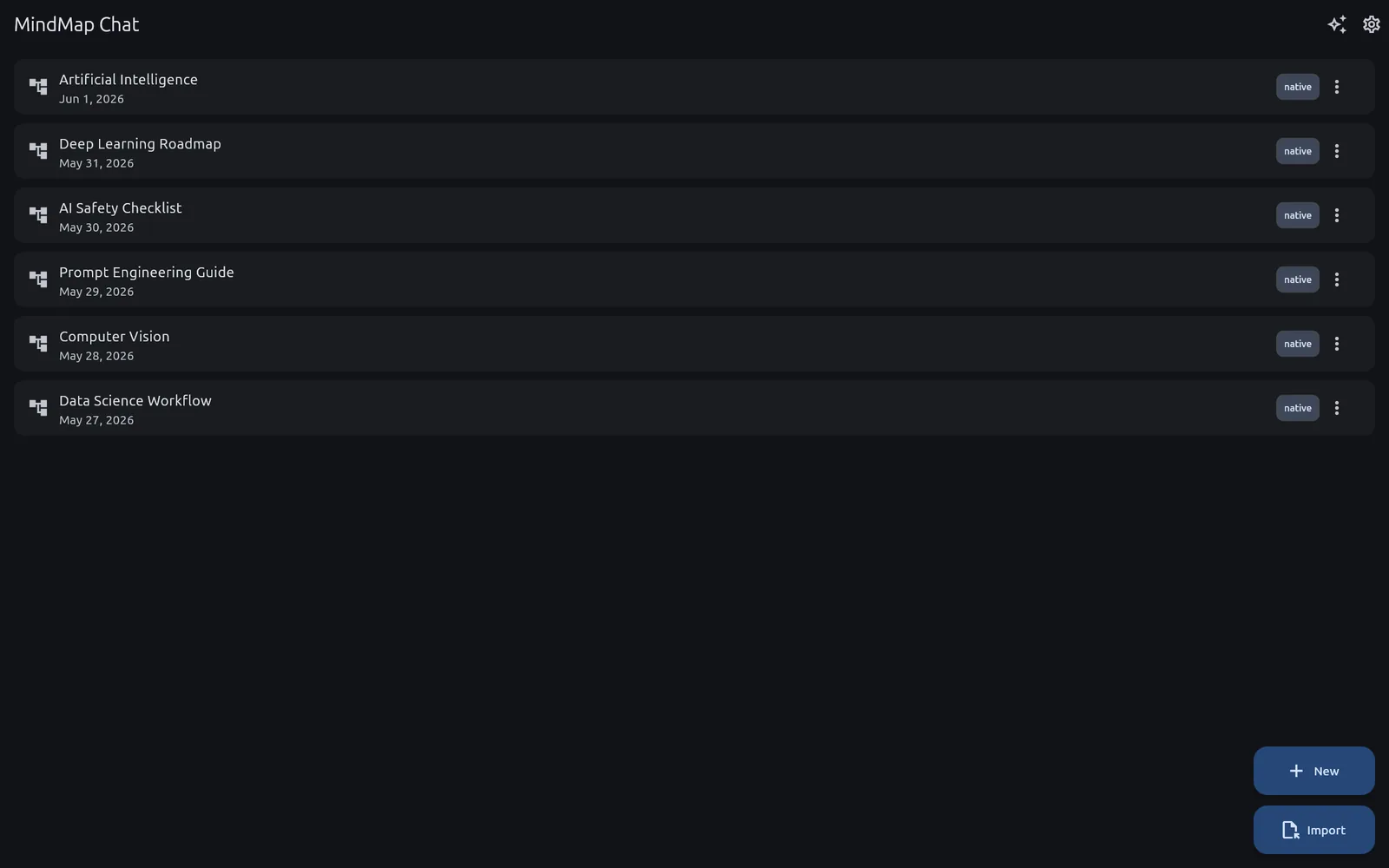 Your maps, listed and searchable
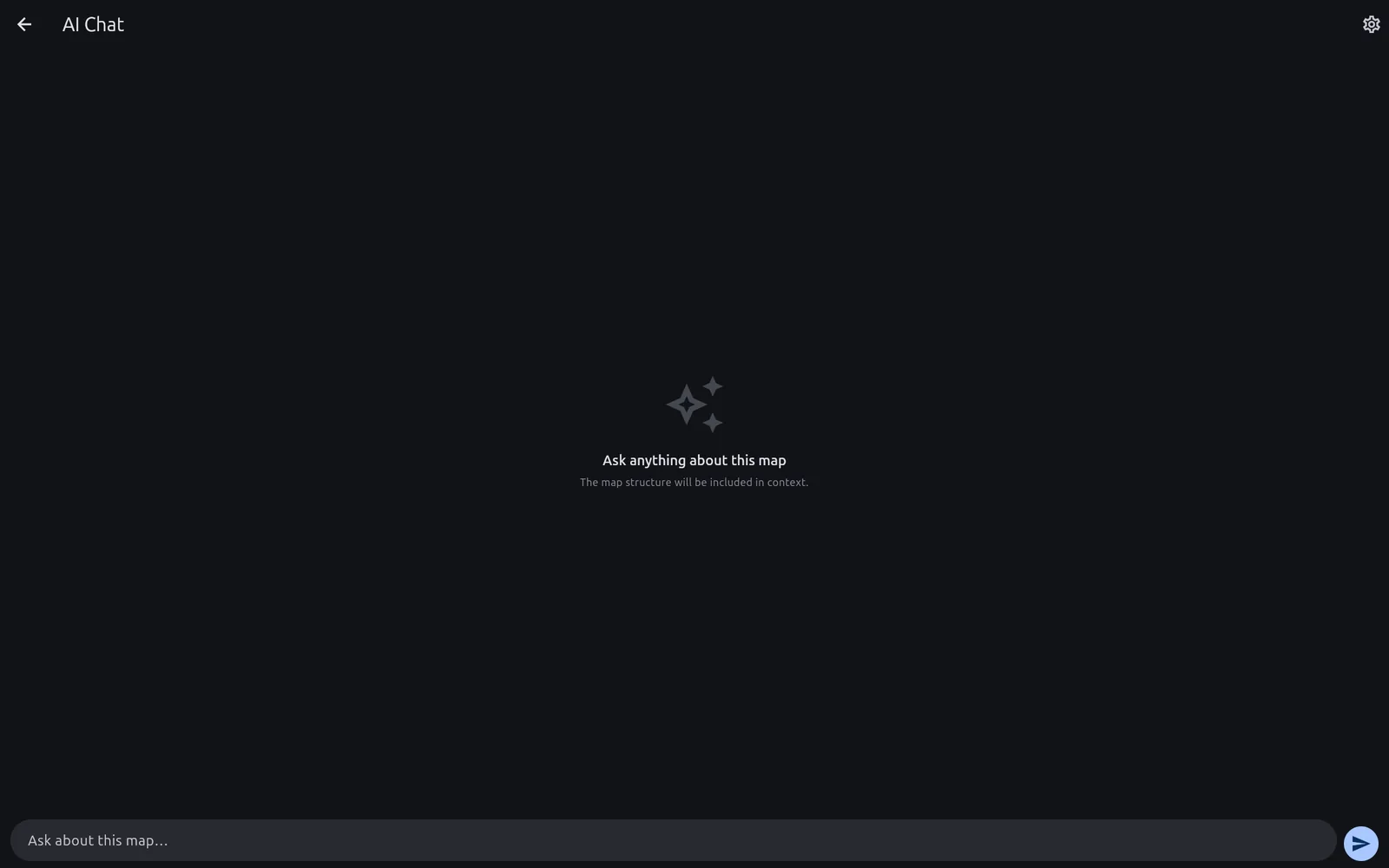 Chat with the whole library
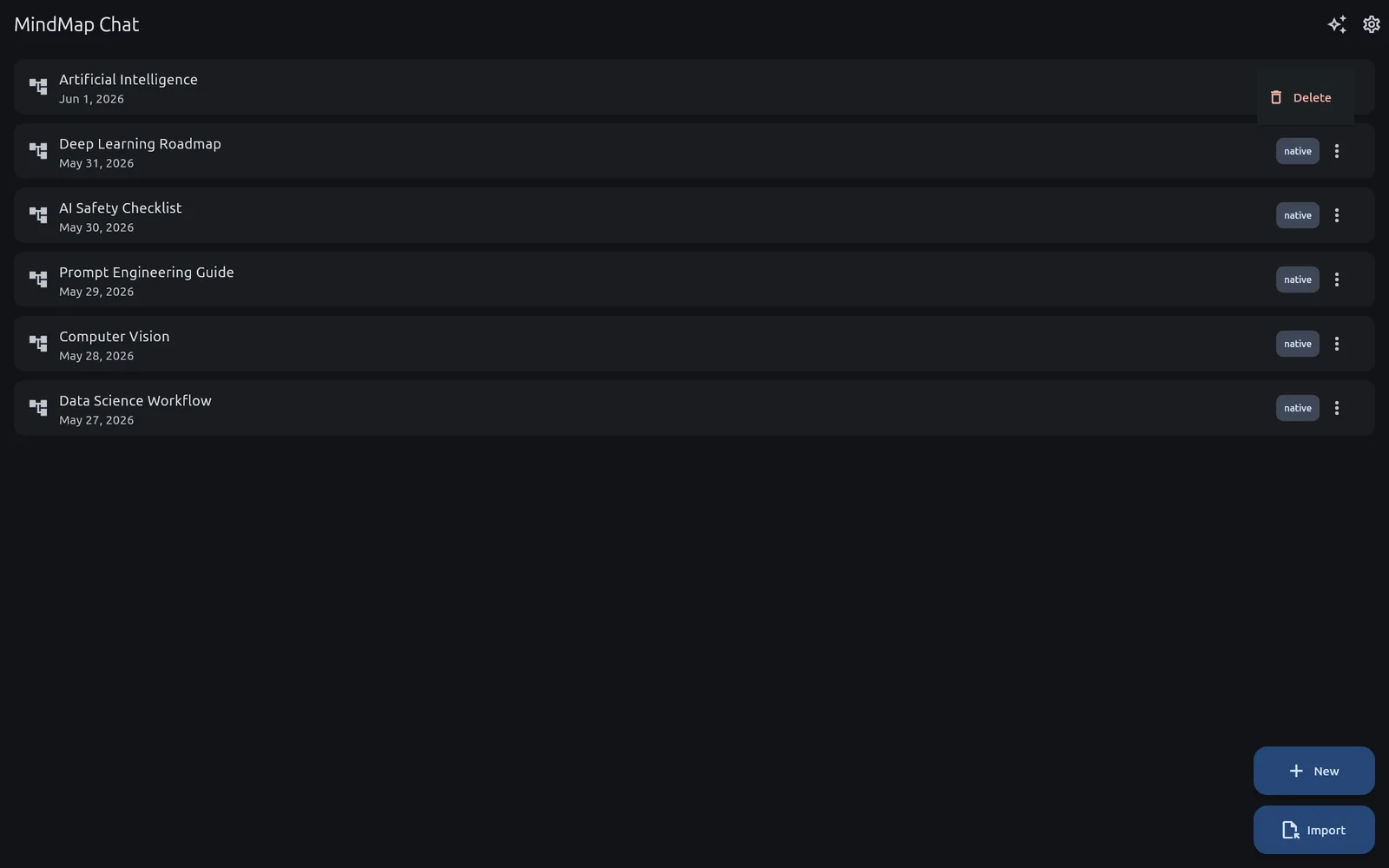 Import, export and map options
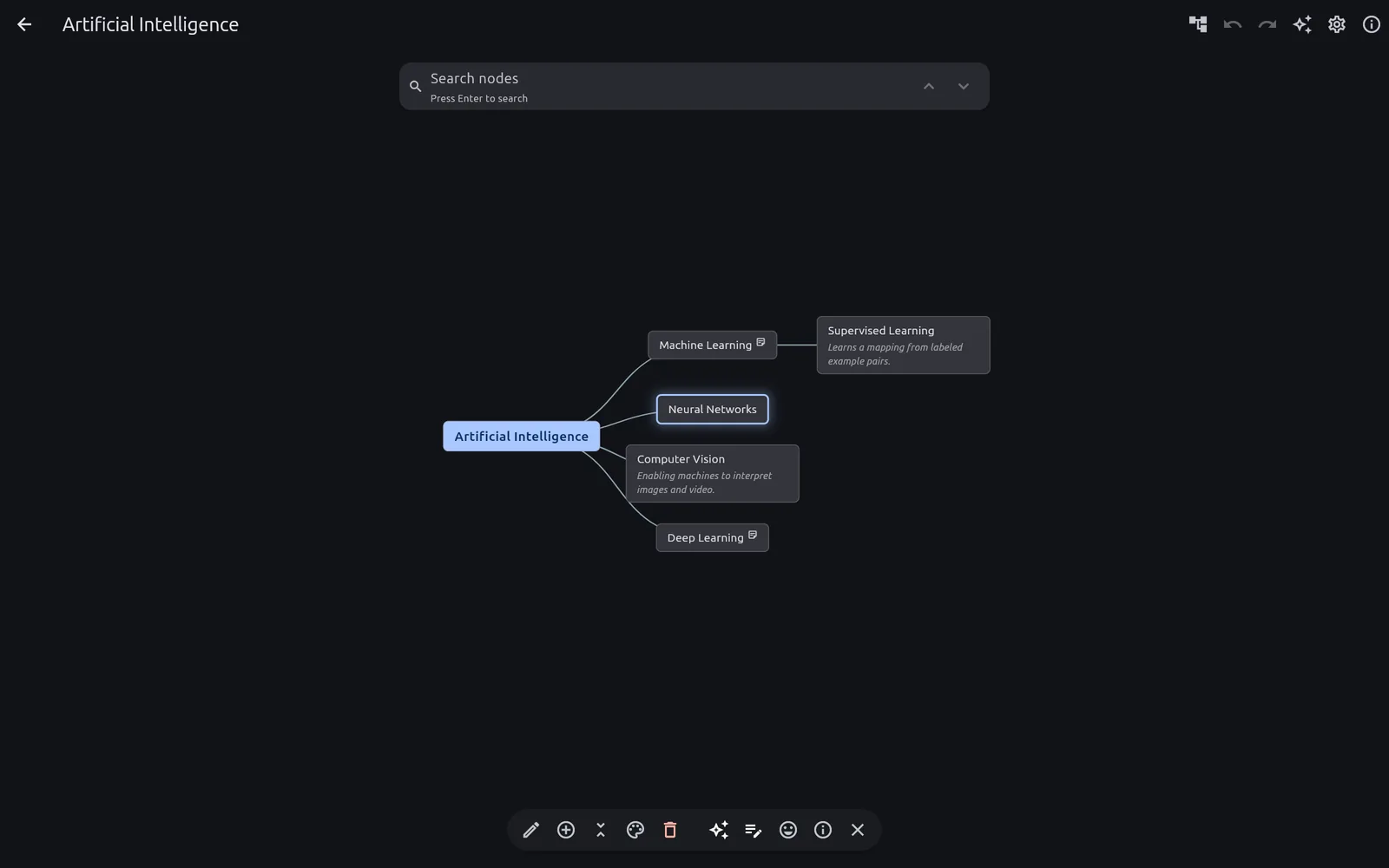 Per-node actions, right on the canvas
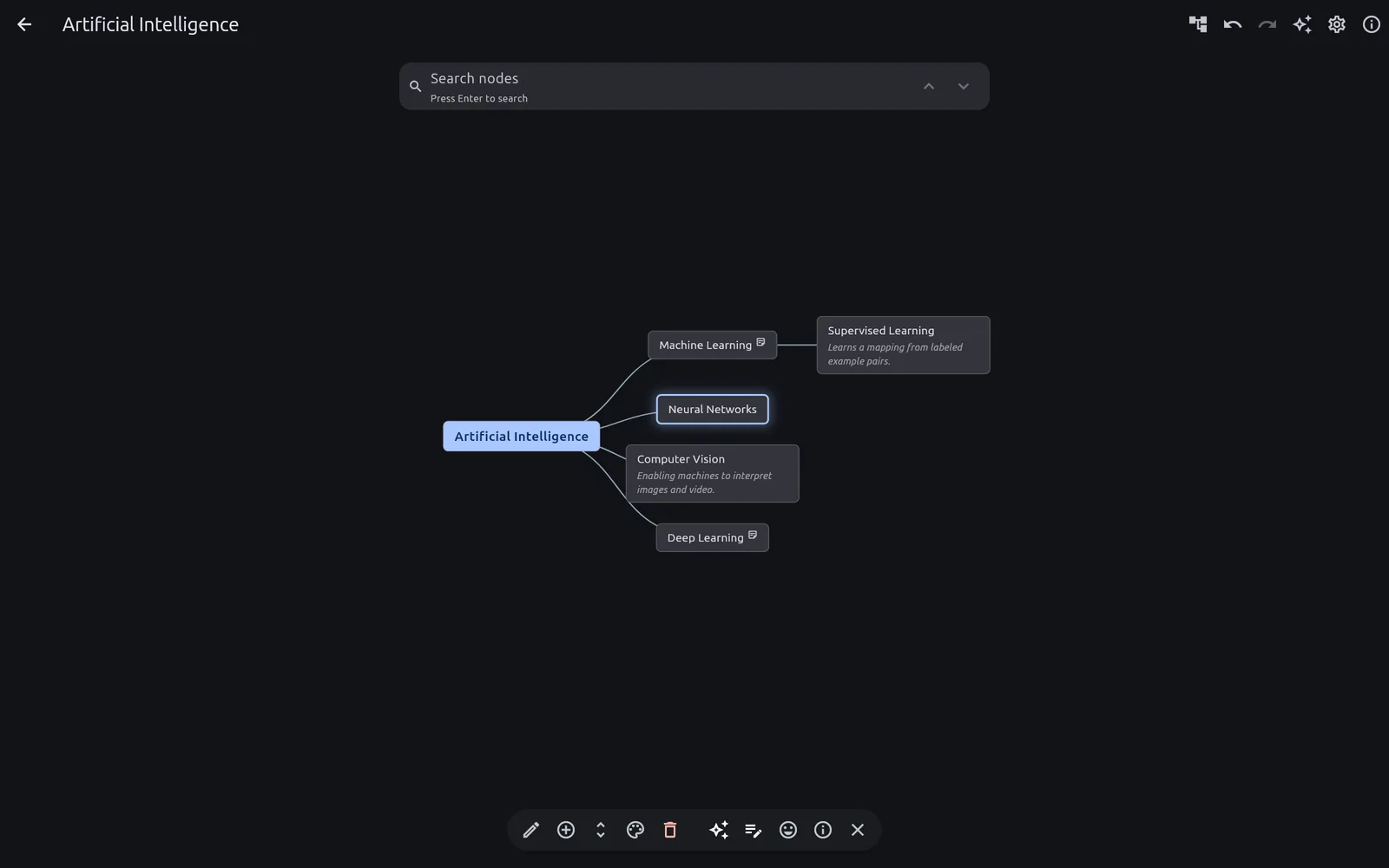 Collapse branches to see the shape of the whole
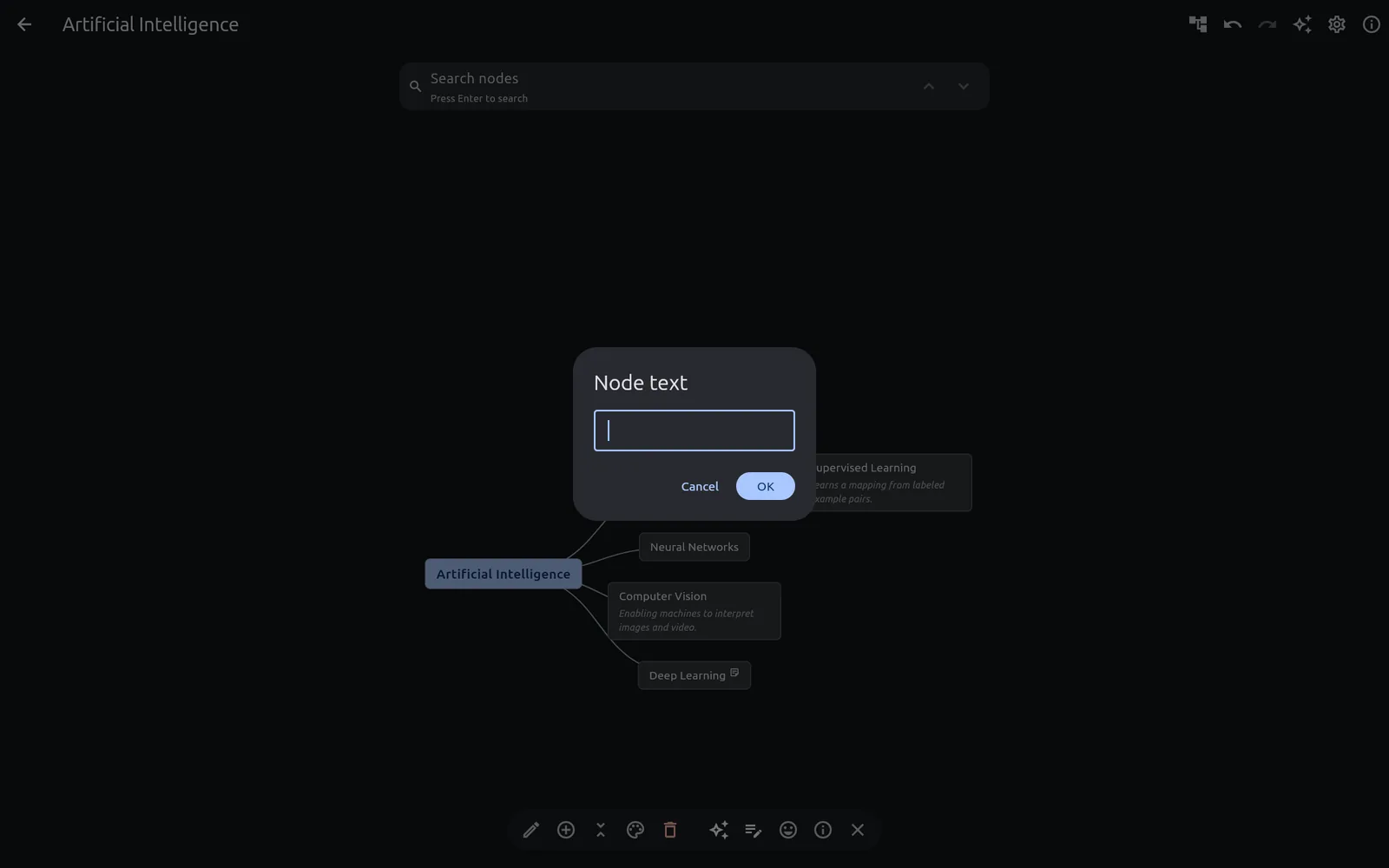 Every AI edit is one undo away
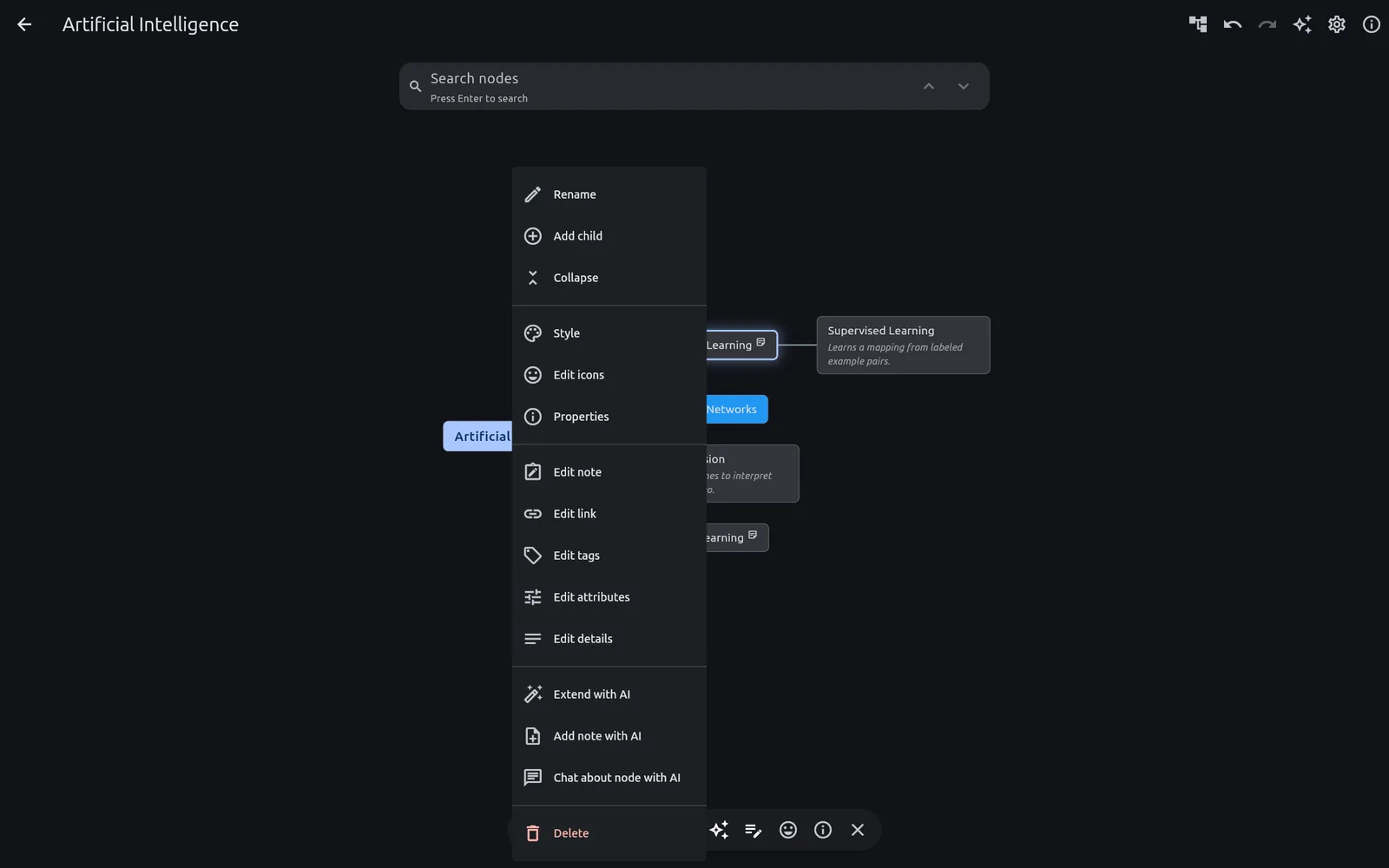 The node context menu
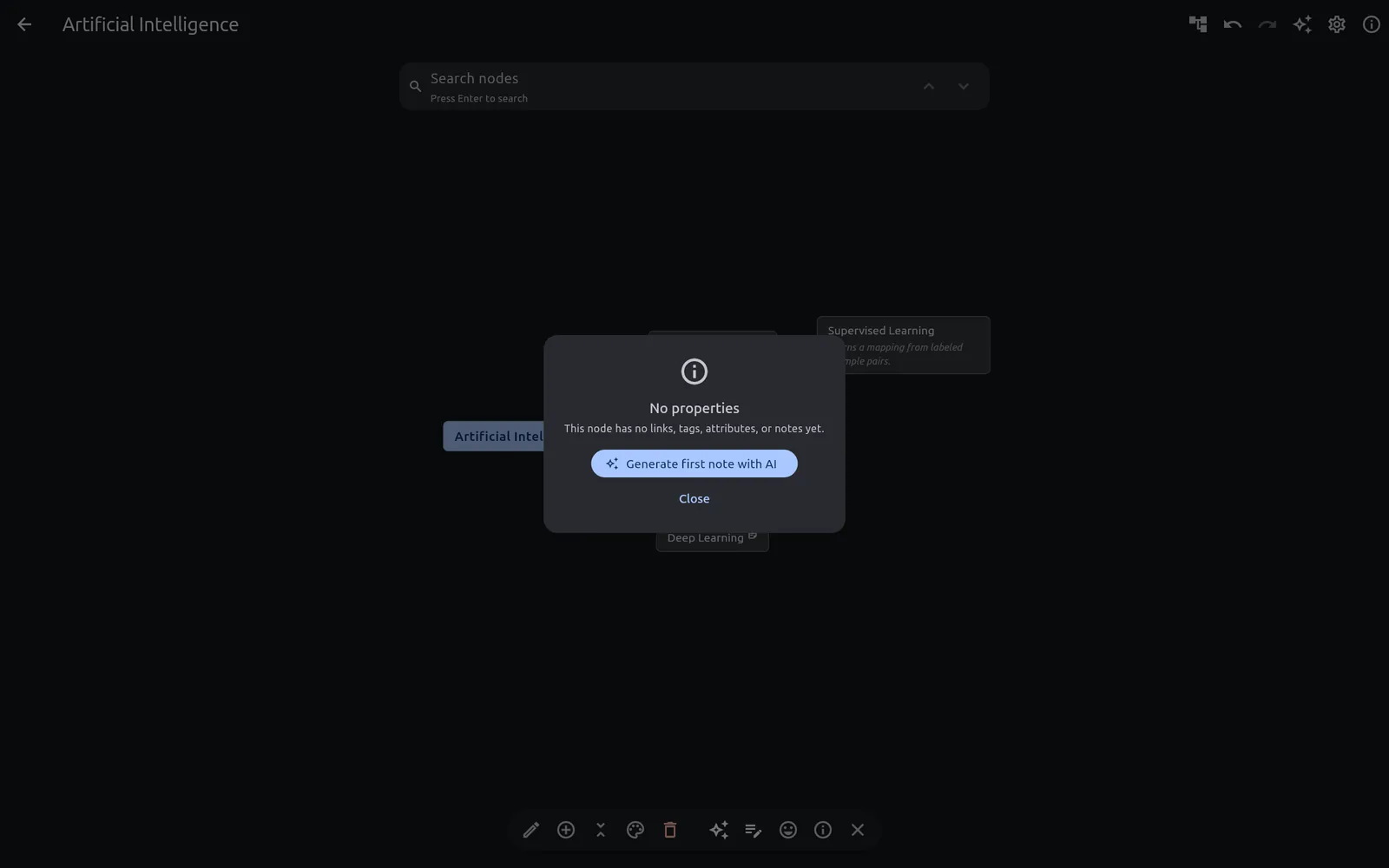 Node properties and rich-text notes
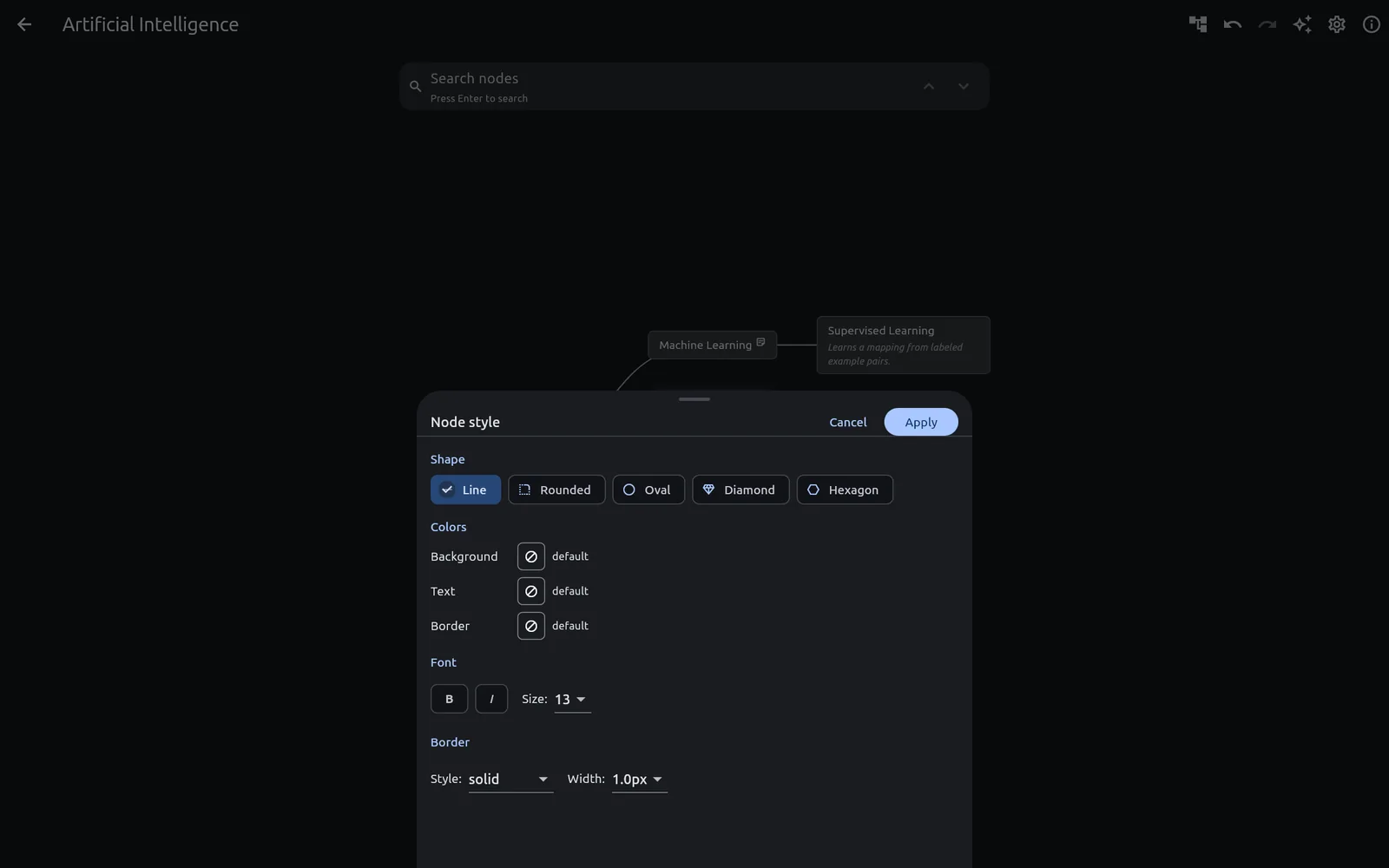 Styling a node
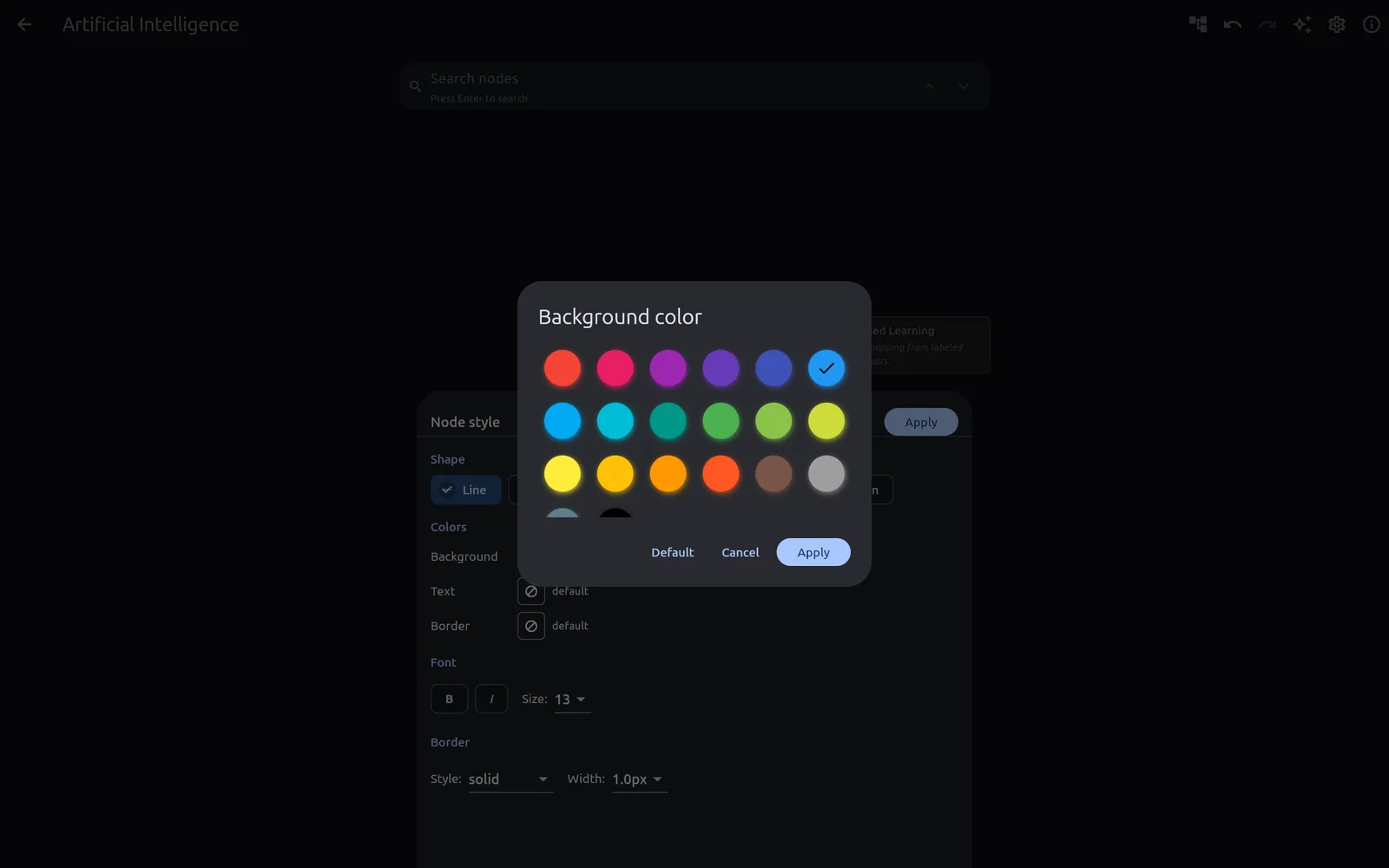 Colour picker
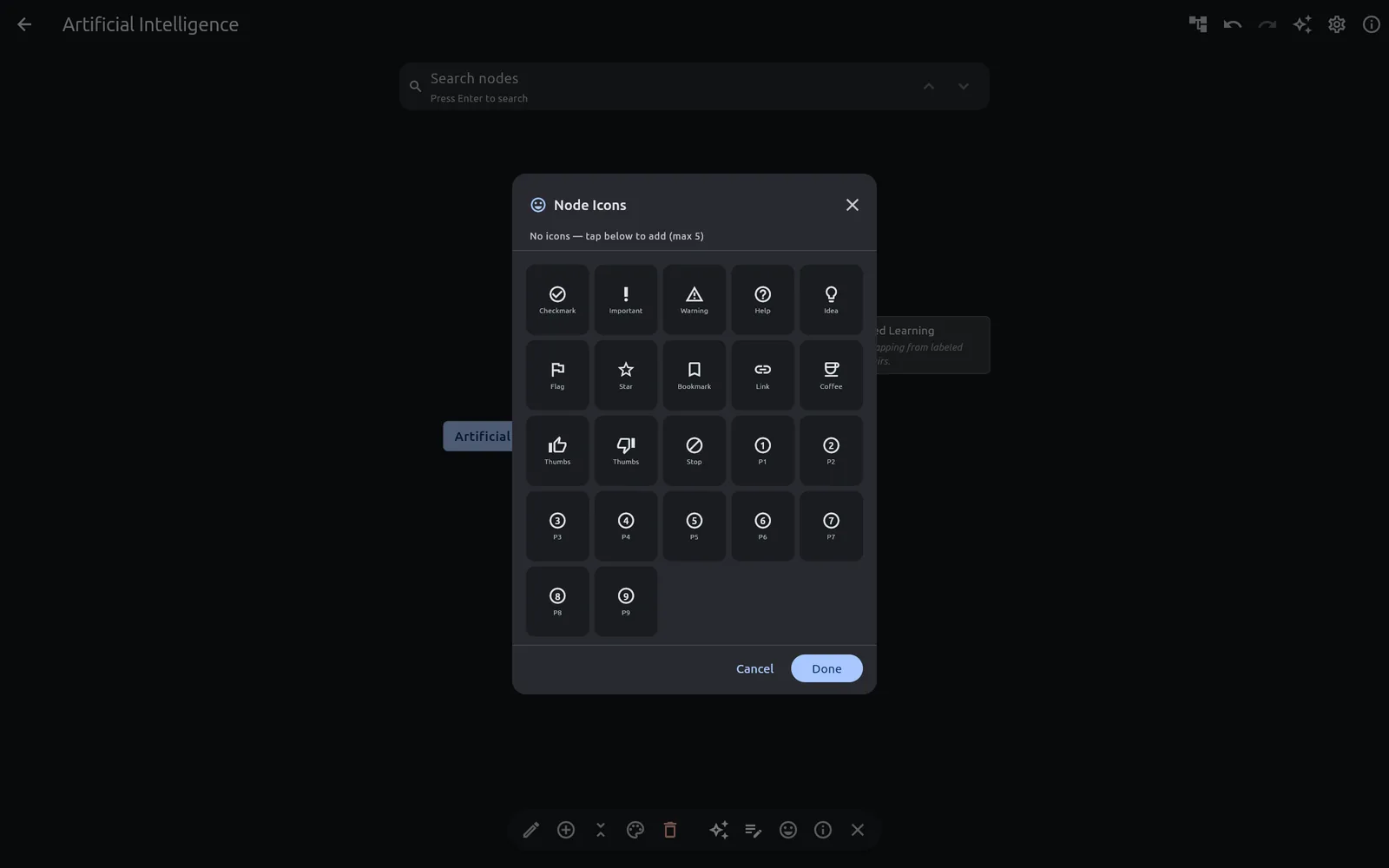 Icon picker
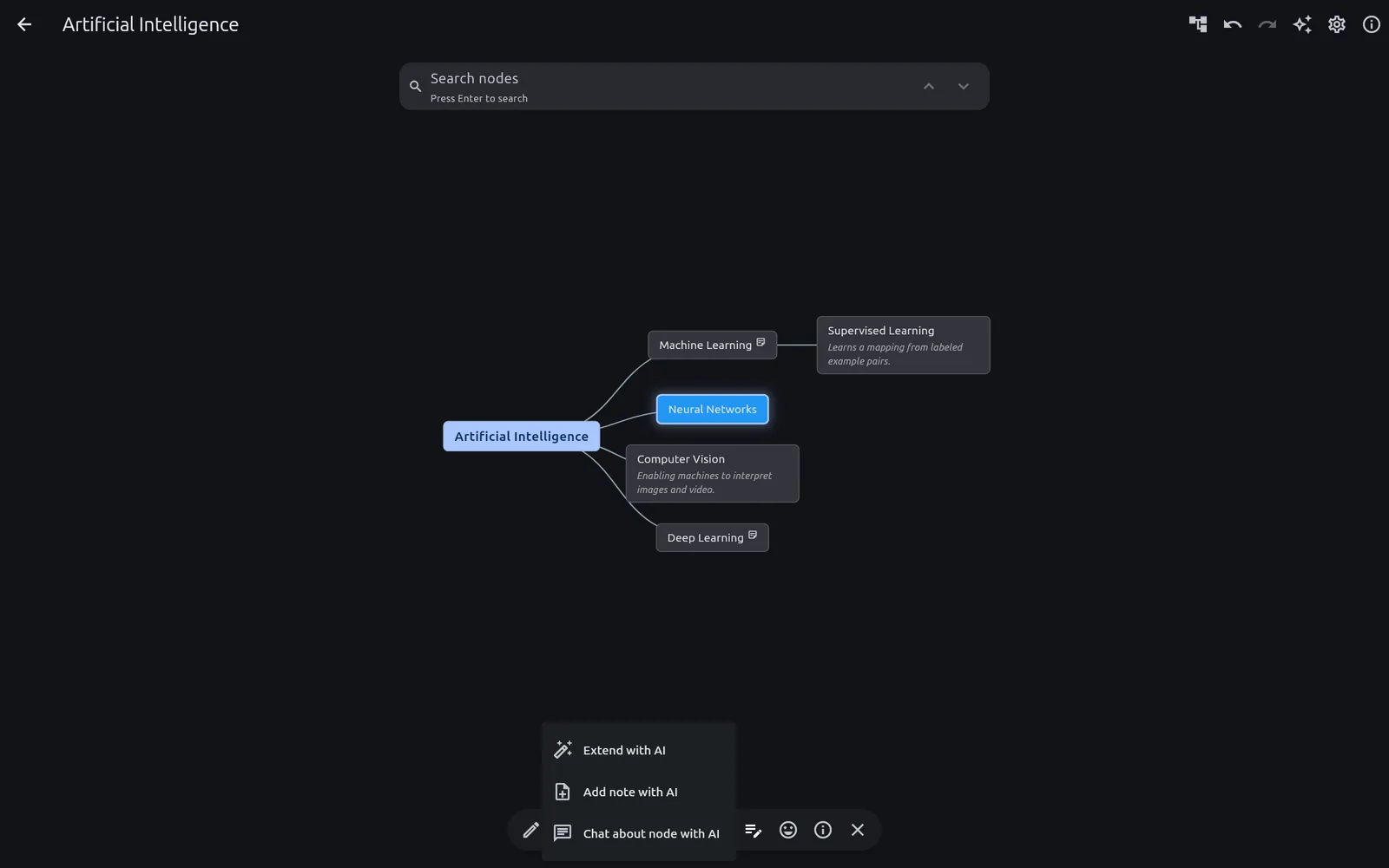 The AI actions available on any node
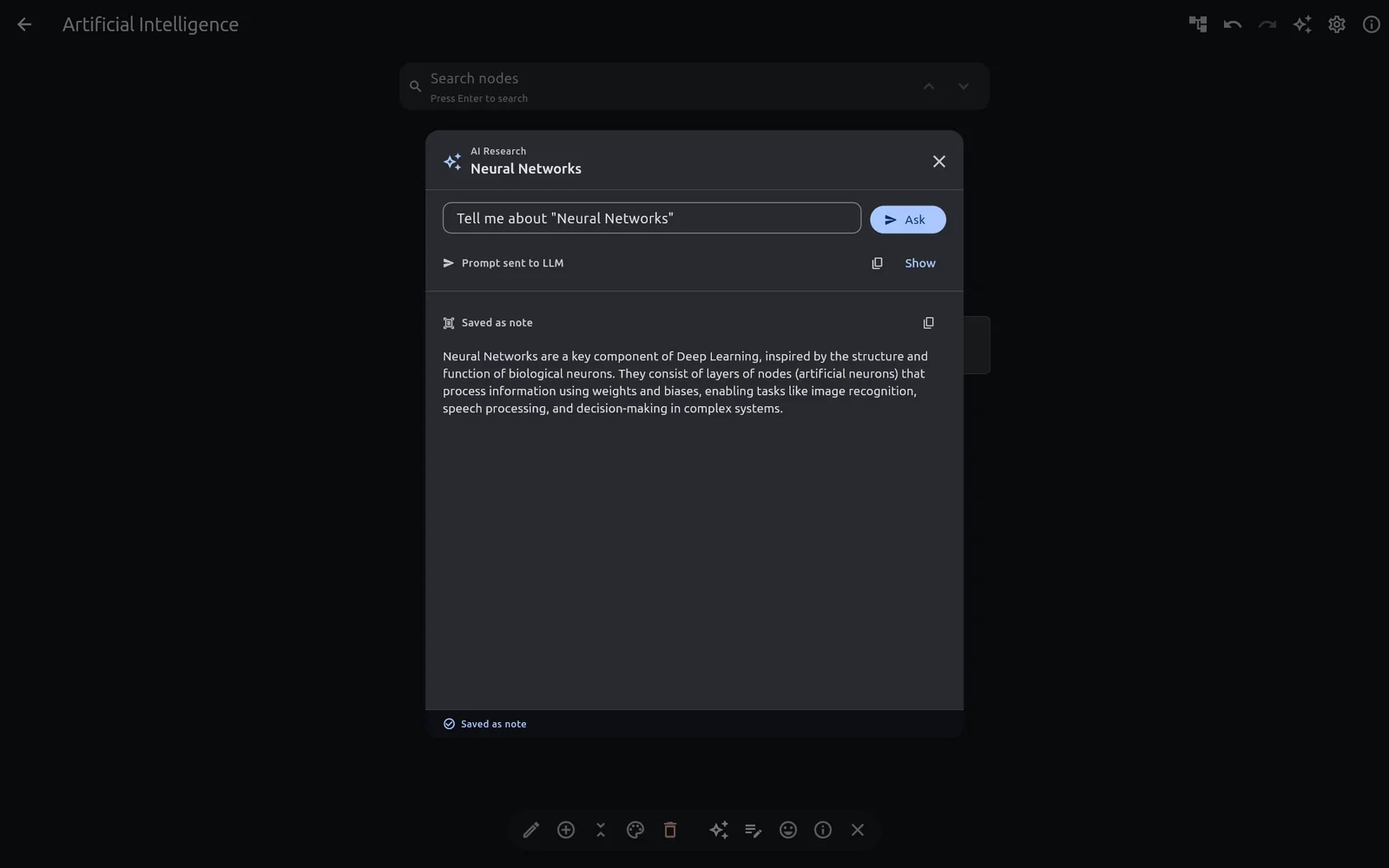 Ask the AI to research a node
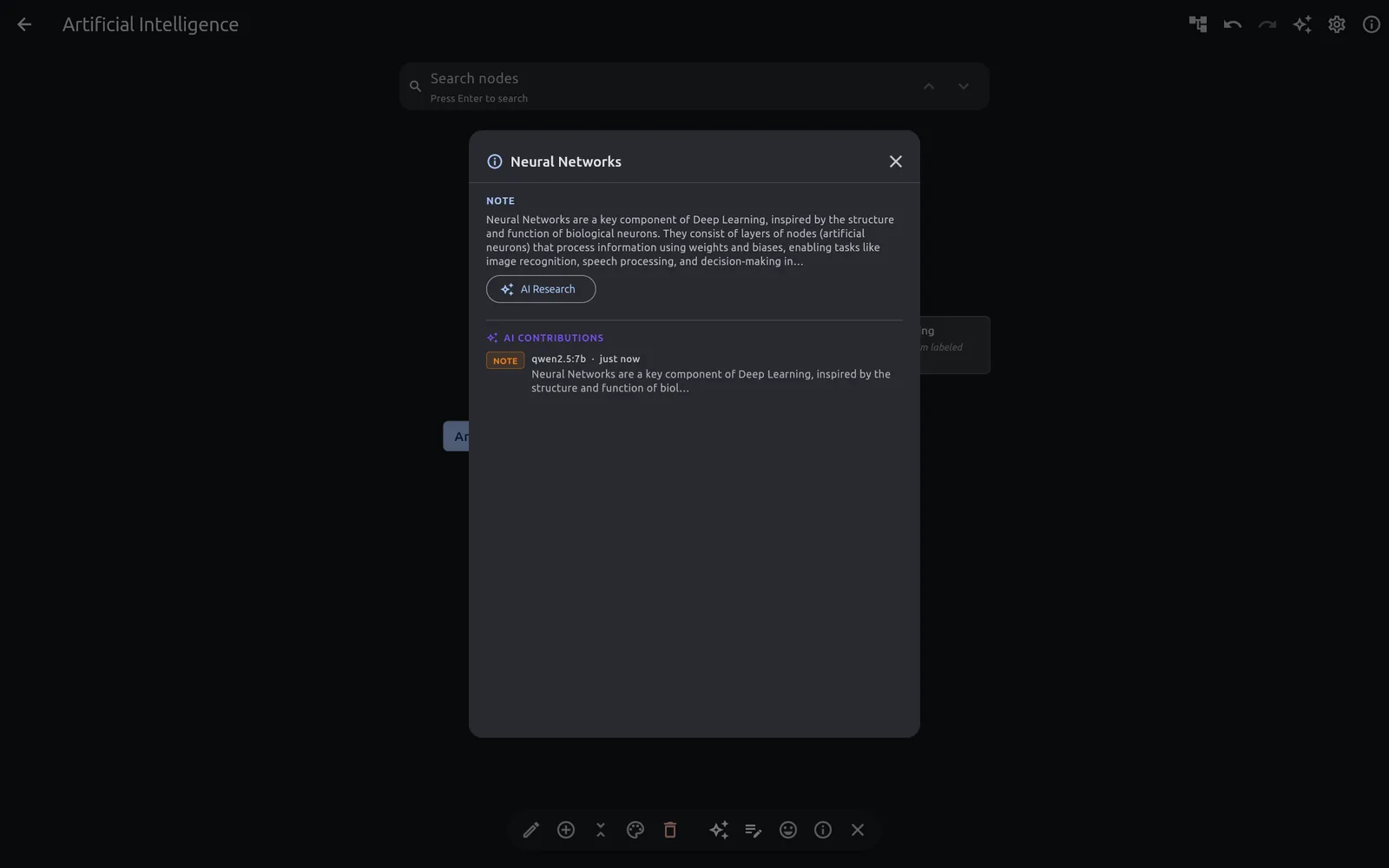 Research results, written back into the map
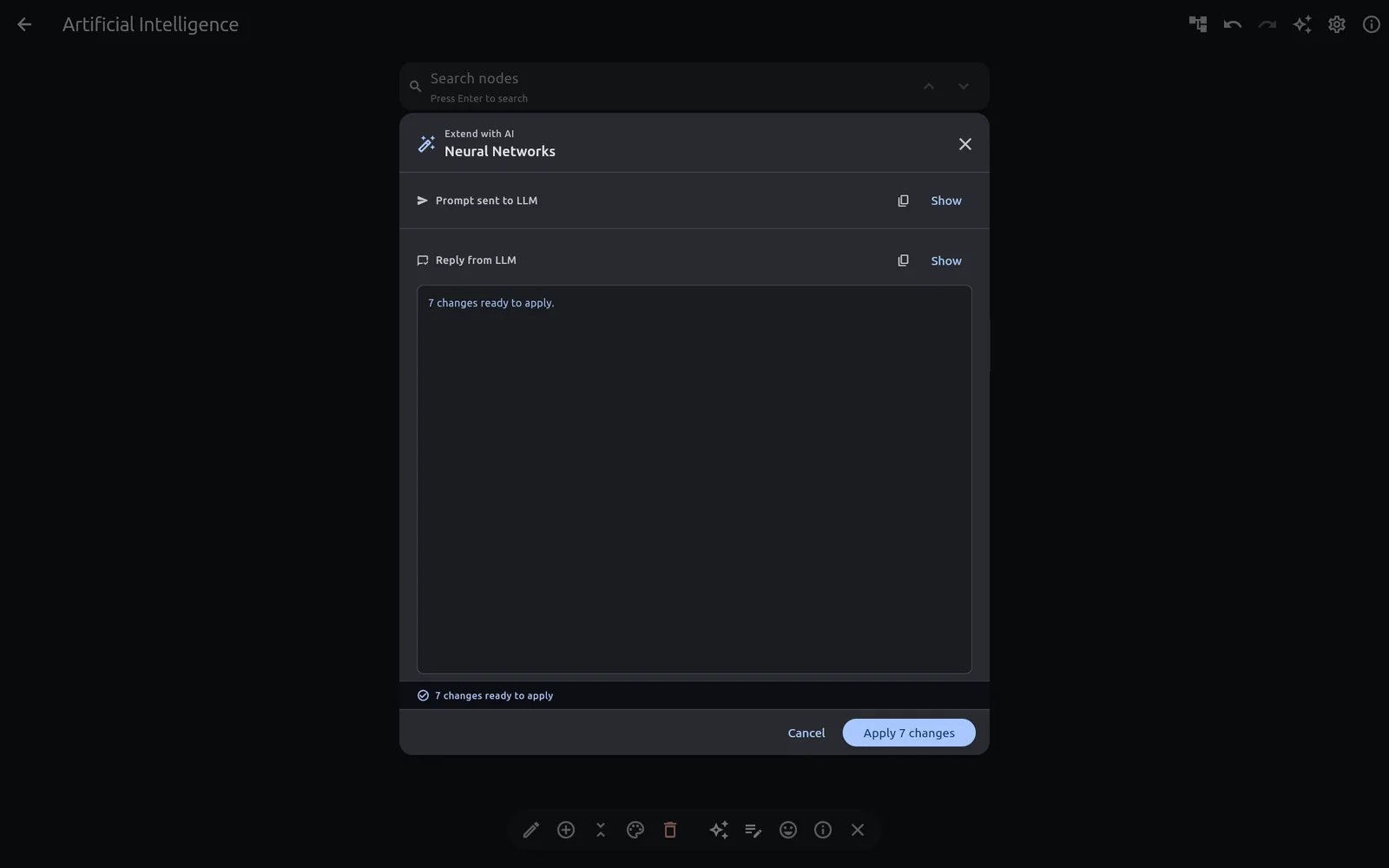 Let the AI extend a branch
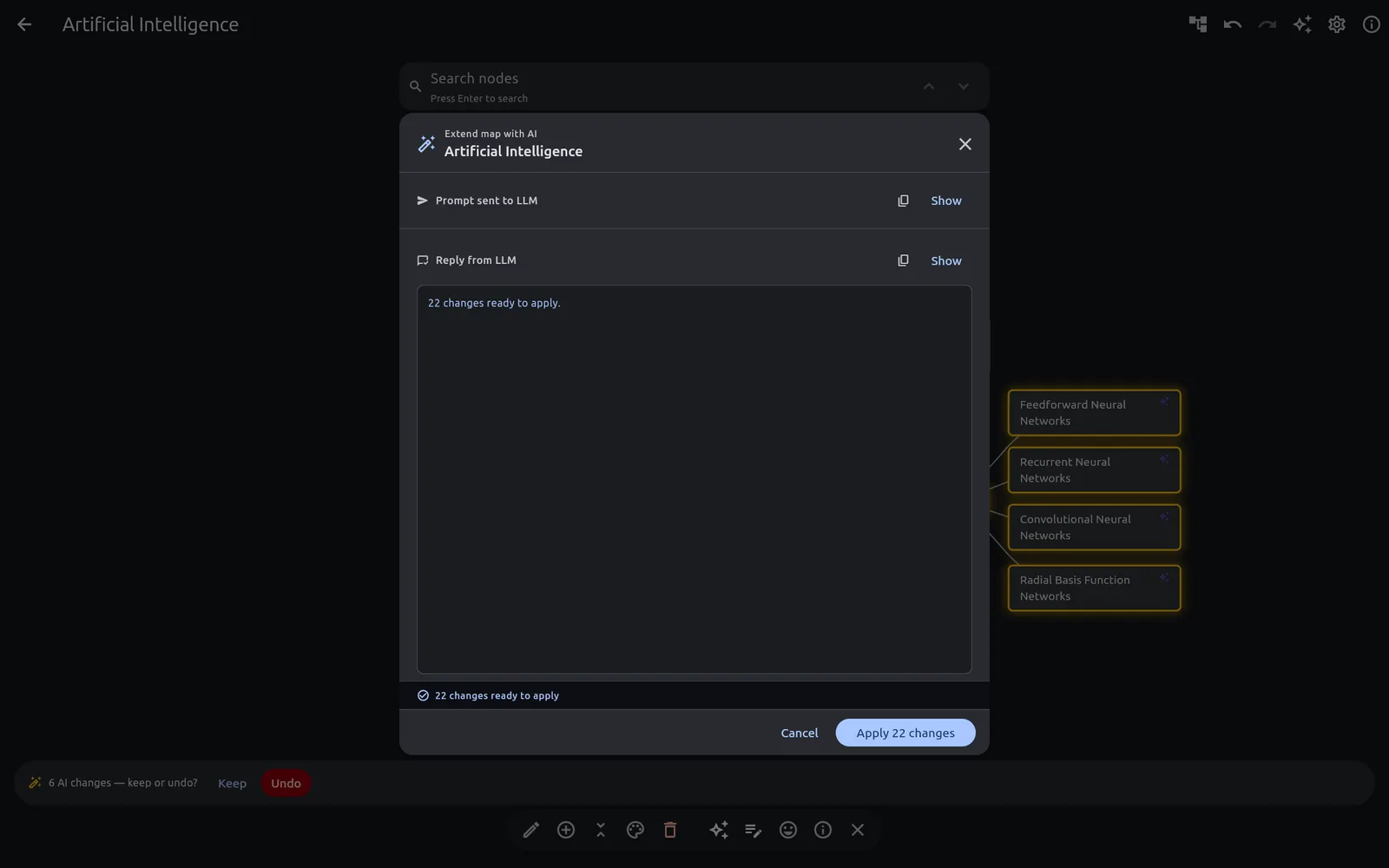 Extend the entire map at once
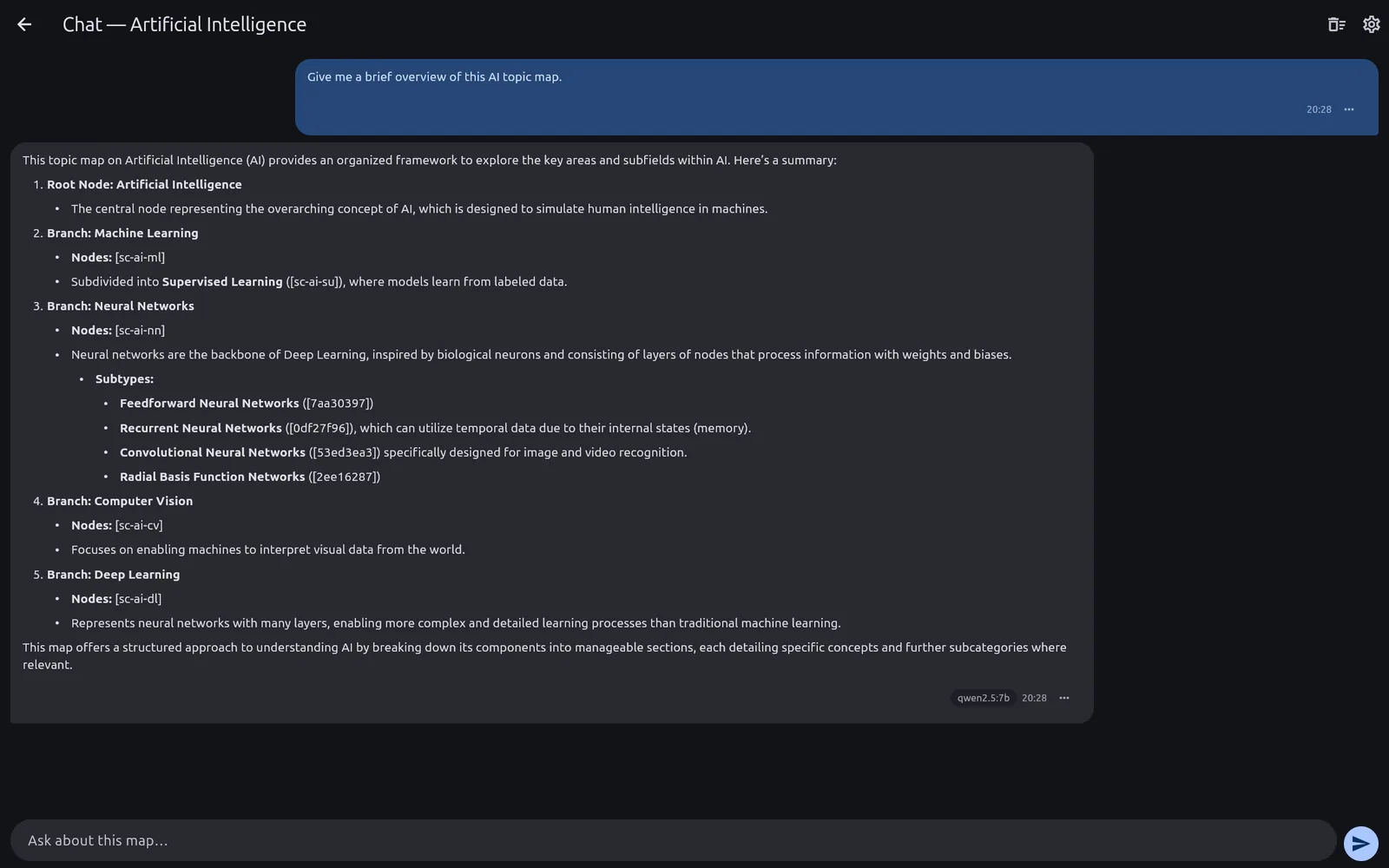 Chat scoped to the whole map
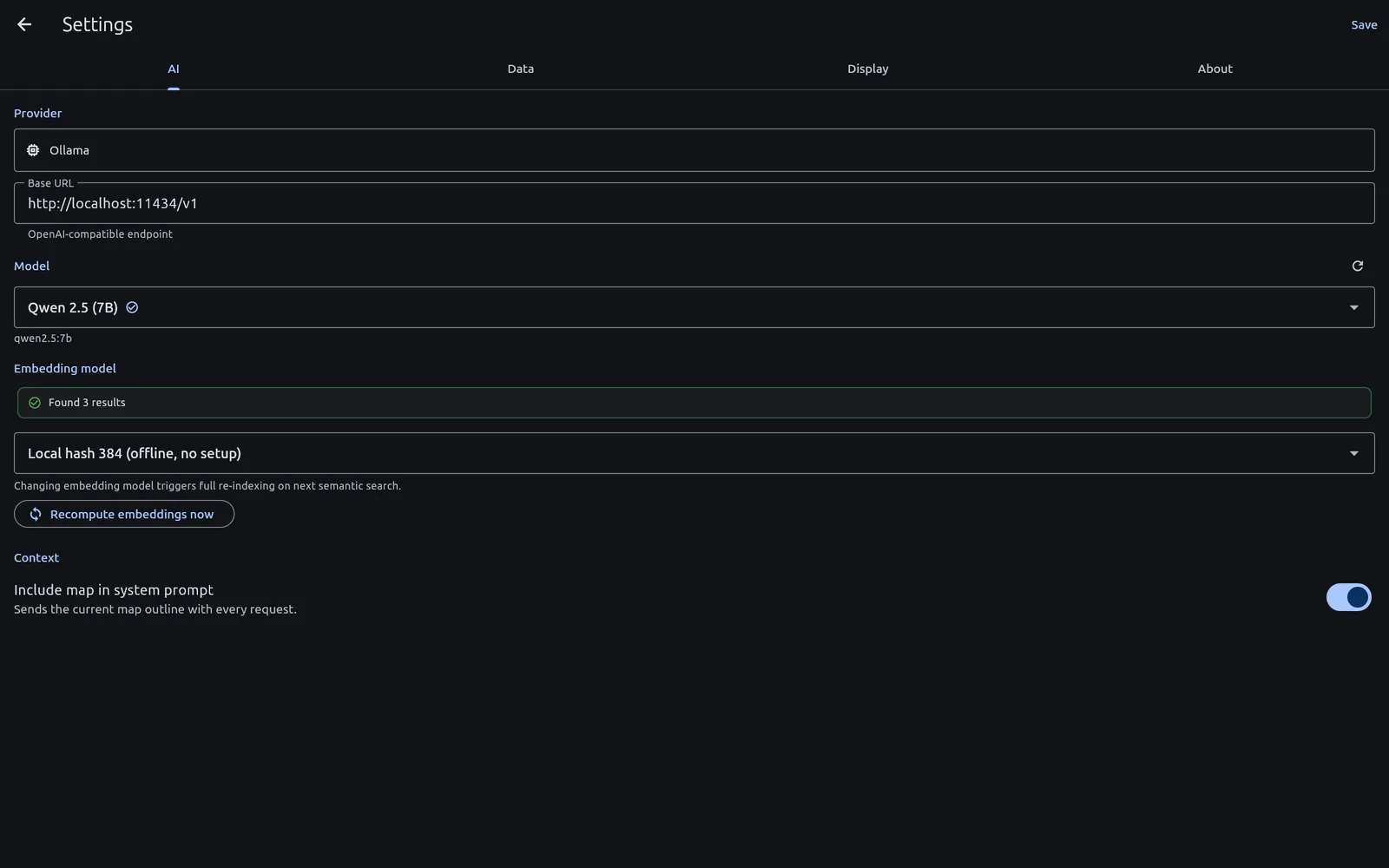 Point it at Ollama or LM Studio — on your own machine or elsewhere on your network
 Two local runtimes to choose from
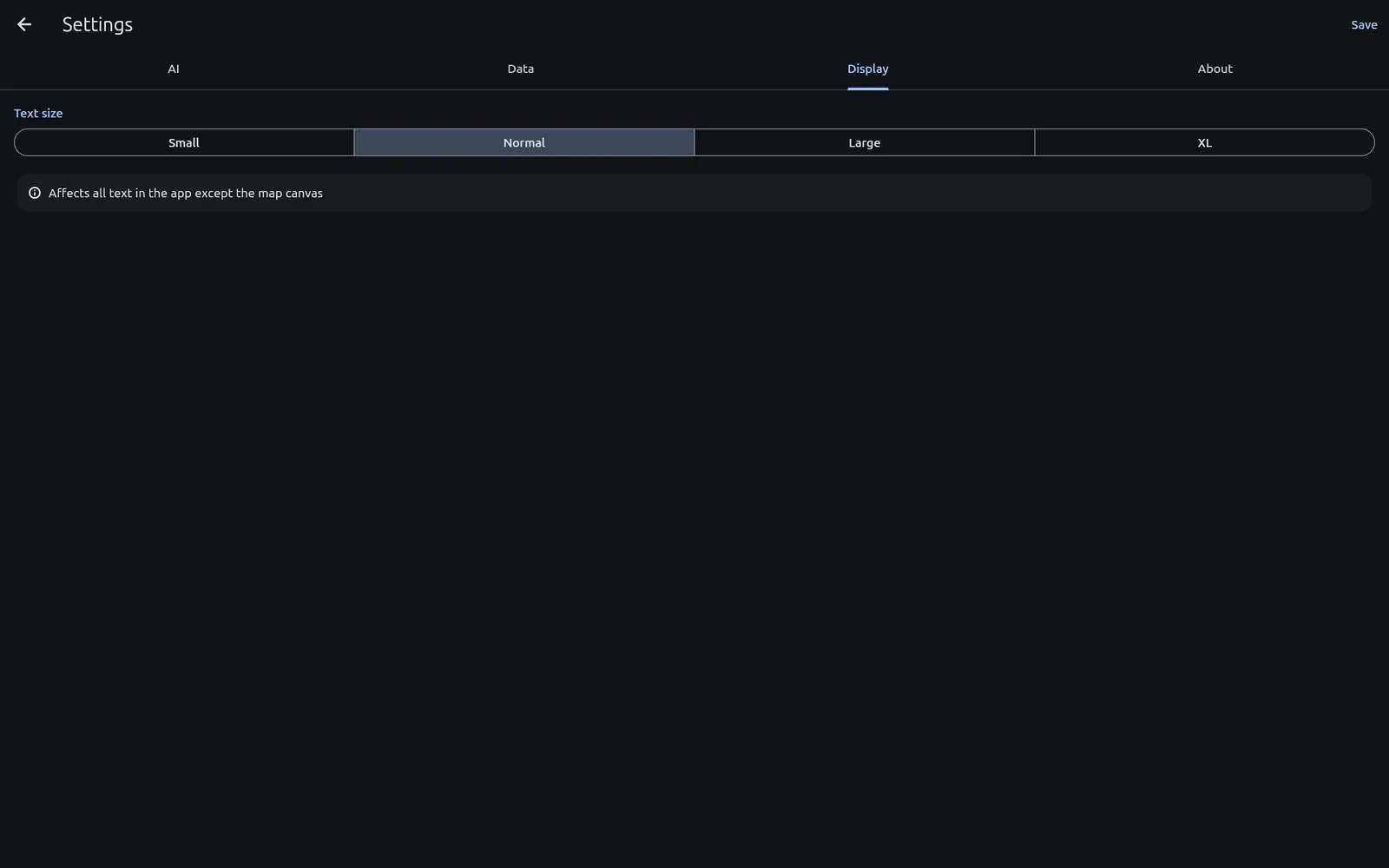 Display settings
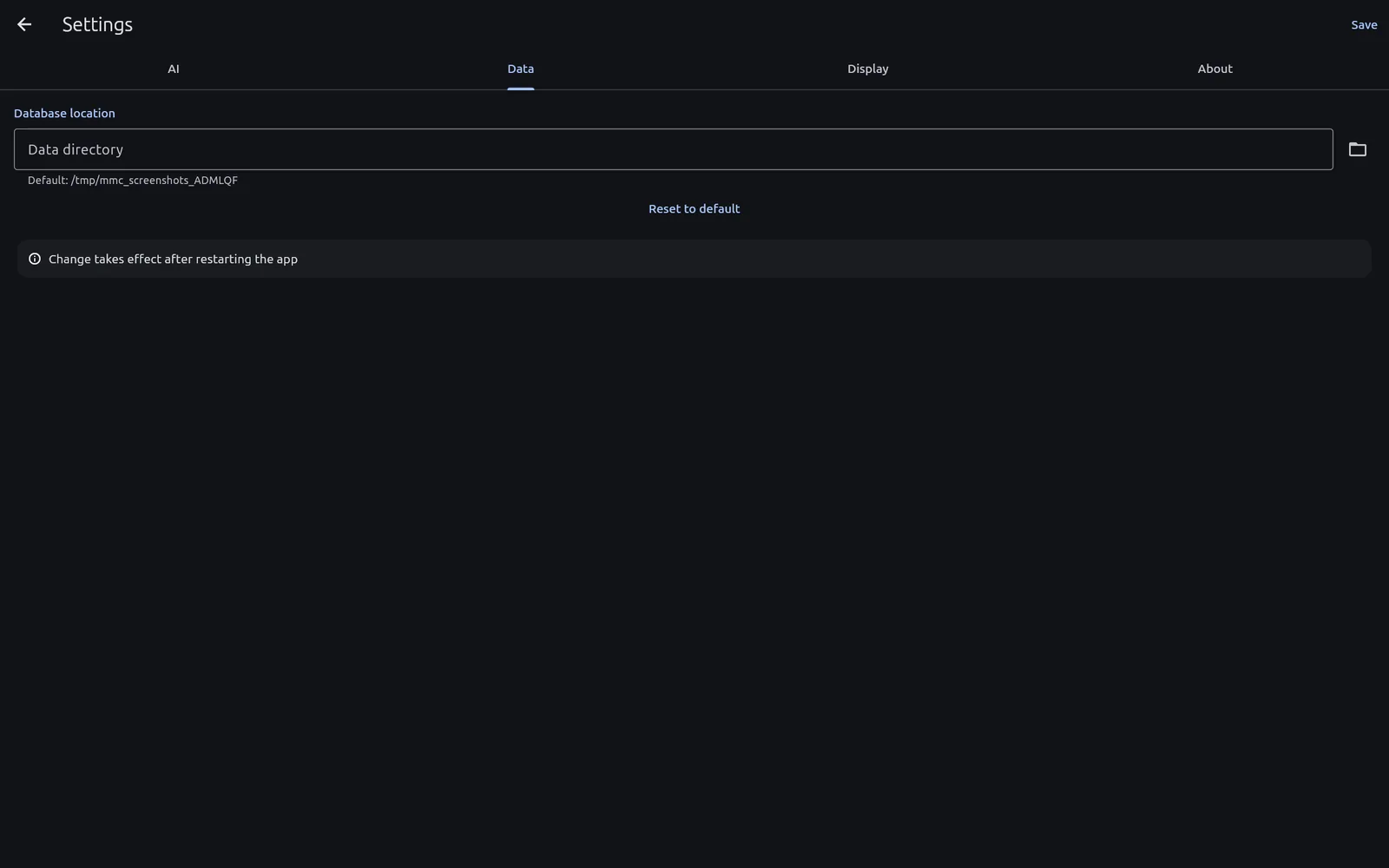 Your data lives in a folder you choose
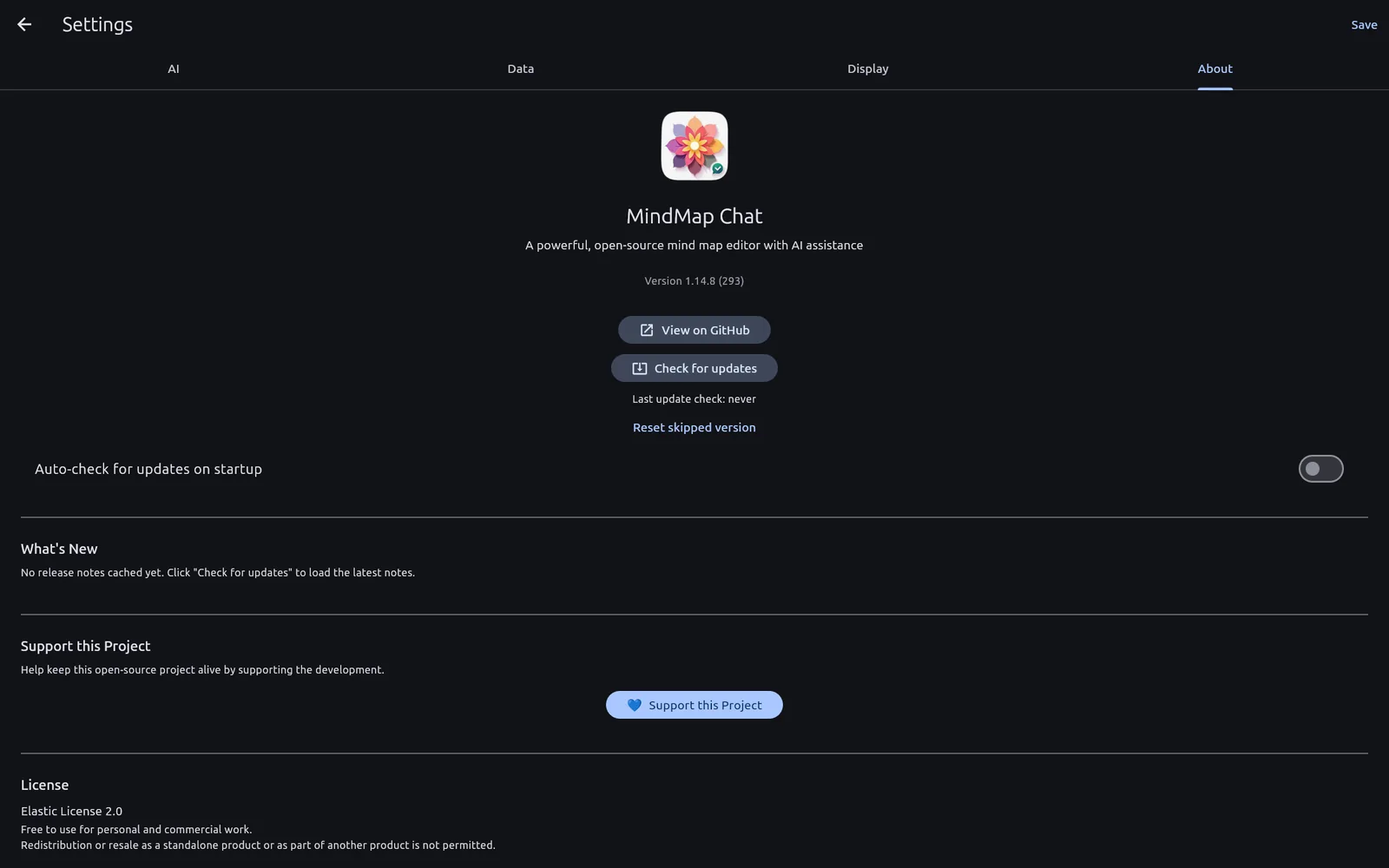 About, updates and feedback
Common questions
Is it really free?
Yes. No paid tier, no trial, no account.
Is it open source?
No — it's free to use but not open source, licensed under the Elastic License 2.0 (which mainly means nobody may resell it as a hosted service). The source isn't published today. You can read the licence in full.
Does it phone home?
It checks for updates on startup, which you can switch off in Settings. That's the only outbound request the app makes on its own. Everything else — your maps, notes and chats — stays on your own machine or network; the AI talks only to your own Ollama or LM Studio server. See the privacy page.
Can I use it with an existing mind map?
Yes — import your Freeplane .mm or XMind files and carry on from there.
Learn more
- Private, offline mind mapping
- Set up local AI
- Set up Ollama
- Set up Claude (optional, cloud)
- Set up OpenAI (optional, cloud)
- Set up LM Studio